
Extension for Chrome and Edge
All your calendars, beside every page.
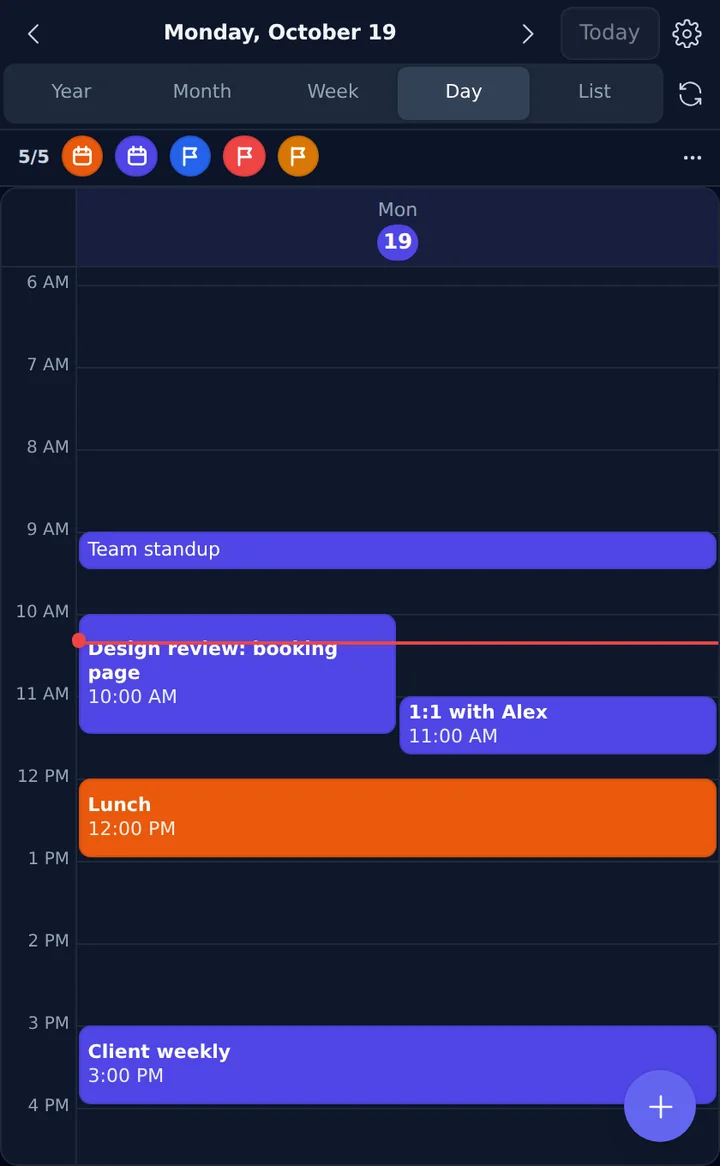
Daydeck brings Google Calendar, Outlook, ICS feeds and your own events into your browser's side panel, so your day is always one glance away.
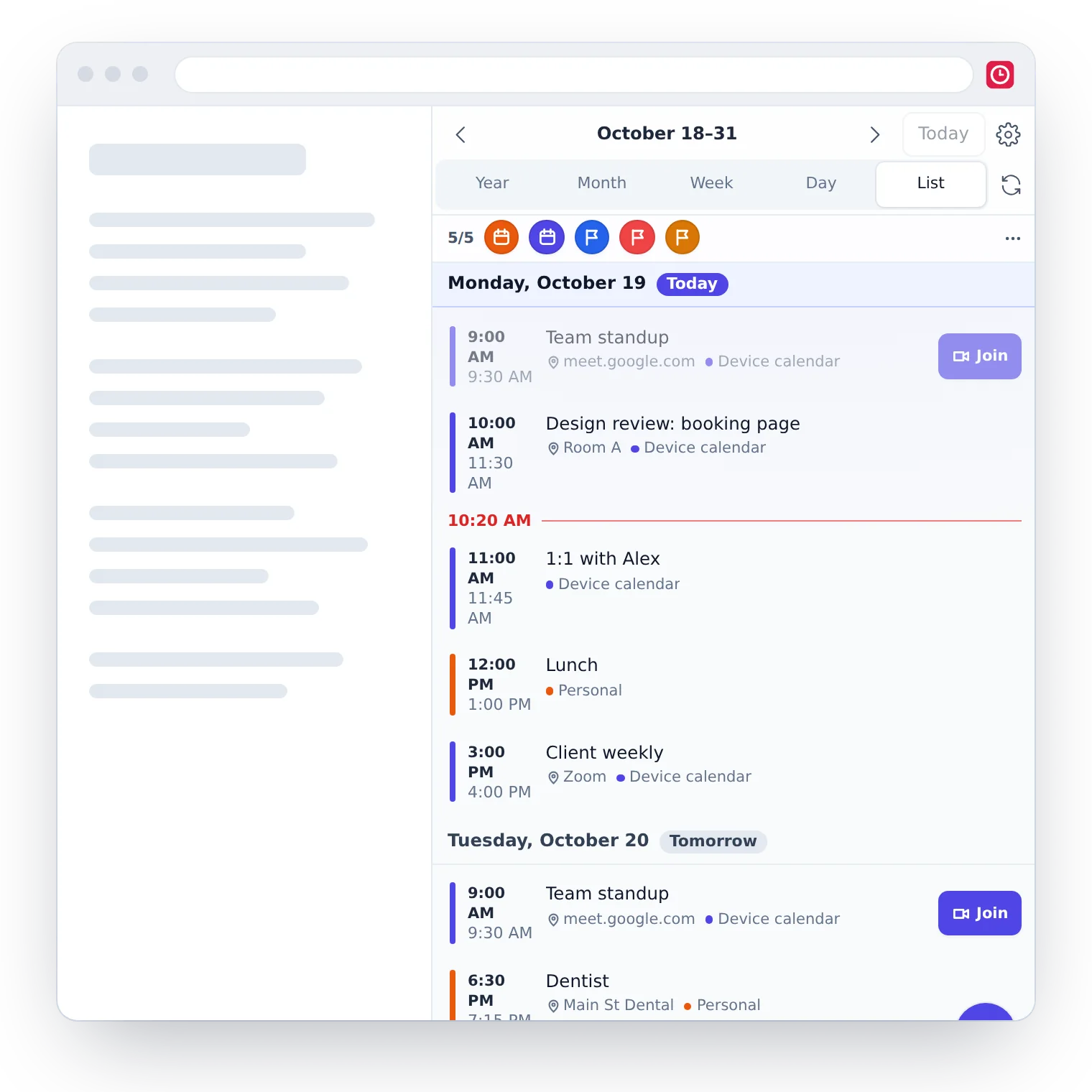
Every calendar, together
Connect Google Calendar and Outlook, subscribe to ICS feeds, and keep your own events too — in one place, each calendar in its own colour.
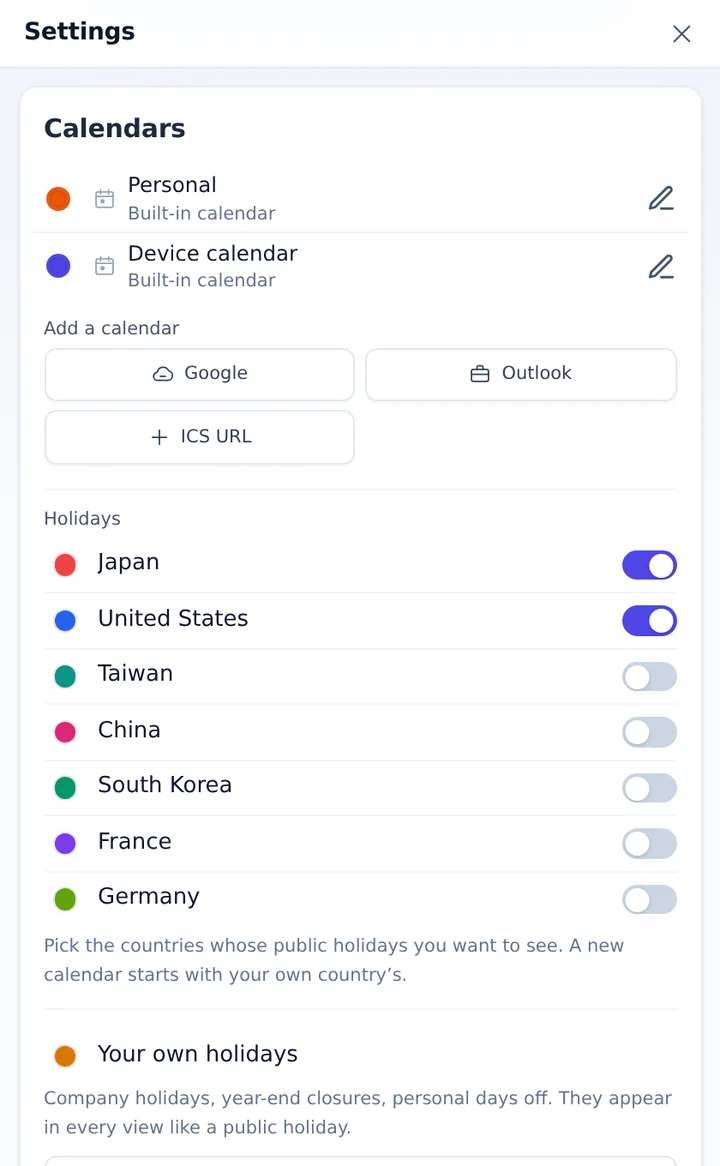
Plan your day by dragging
Year, month, week, day and list views. Drag an event to move it, or tap an empty slot to add one right there.
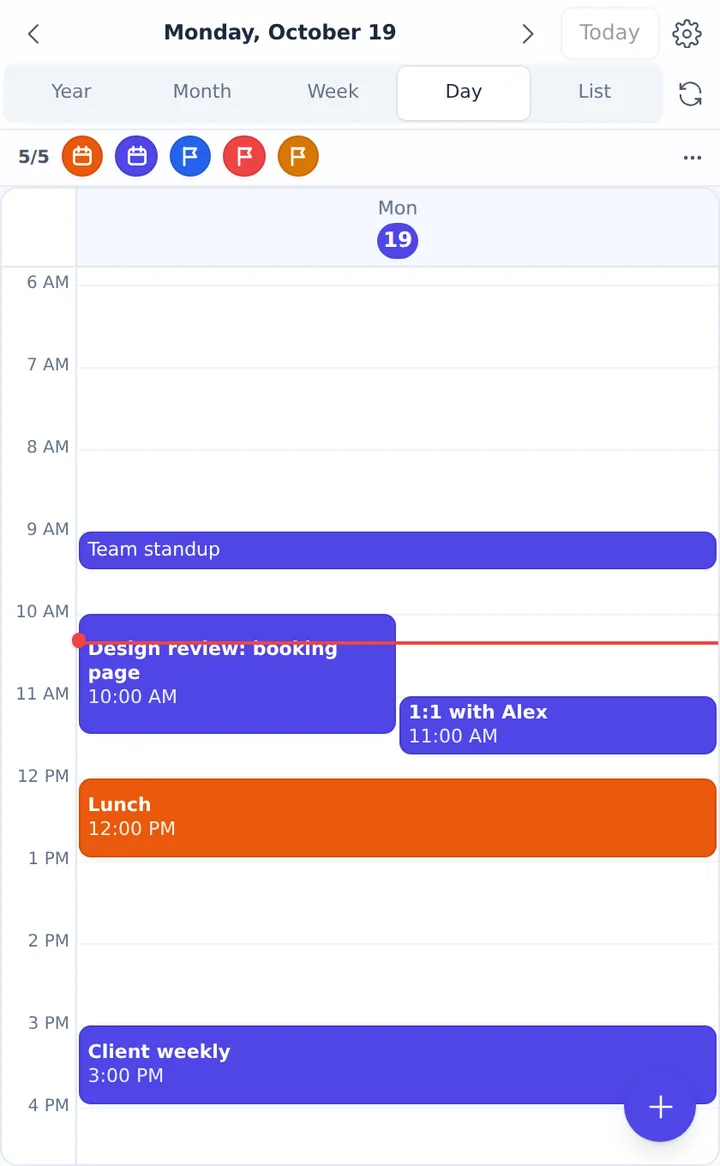
The holidays you need
Public holidays for Japan, the US, Taiwan, China, South Korea, France and Germany, plus your company's own days off.
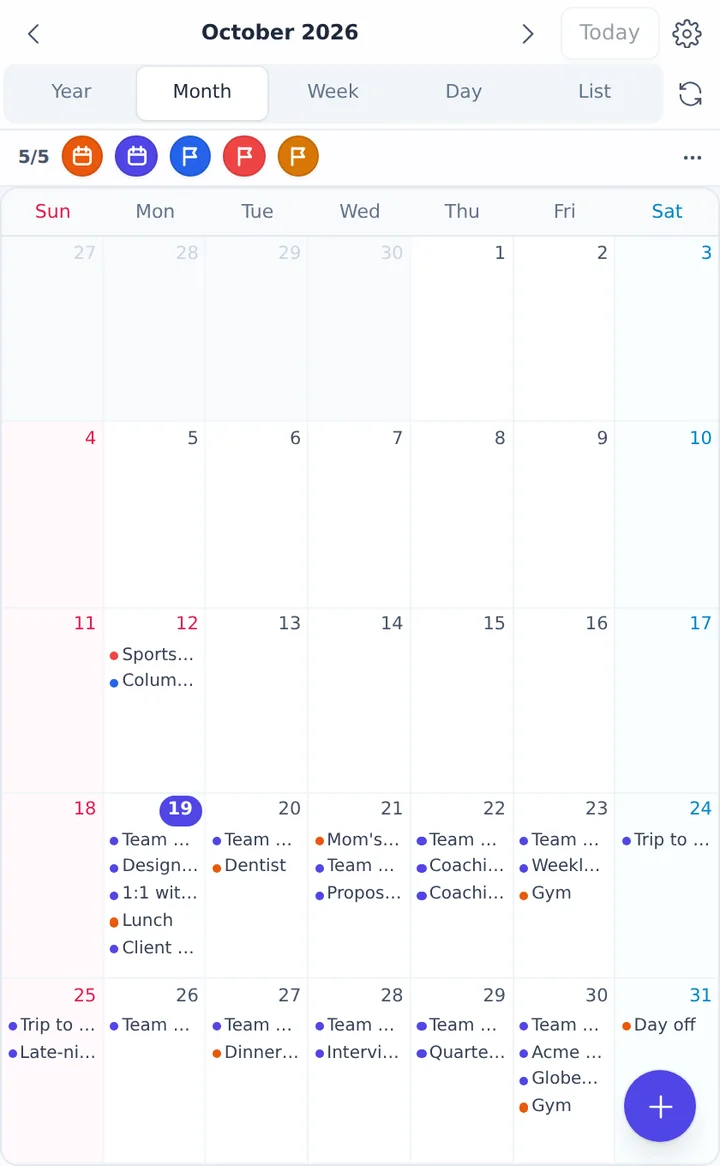
Made to fit the way you work
Reminders, dark mode, four text sizes and seven languages. Open it from the toolbar, or with Ctrl+Shift+K (⌘+Shift+K on a Mac).
Private by design
No sign-up
There is no Daydeck account. Install it and start.
No server of ours
Your calendar never comes to us. Daydeck talks to Google and Microsoft directly from your browser.
On every computer
Your calendar syncs through the account your browser is signed in to: Google Drive in Chrome, OneDrive in Edge.
No ads, no tracking
No advertising, no analytics, and nothing is sold.
Fast, even offline
What you've seen stays on your computer, so the panel opens at once, even without a connection.
Yours to delete
Delete everything on a computer from Settings, and remove the sync file from your Drive at any time.
Questions
How do I open it?
Click the Daydeck icon in the toolbar (pin it from the puzzle-piece menu), or press Ctrl+Shift+K (⌘+Shift+K on a Mac). It opens in the side panel.
Do I need an account?
No. To use the same calendar on several computers, sign in to Chrome with your Google account (or to Edge with your Microsoft account) and turn on sync once.
Can Chrome and Edge share one calendar?
Each browser syncs through its own account: Chrome through Google Drive, Edge through OneDrive. Computers using the same browser and account share one calendar. Google and Outlook calendars can be connected in both browsers.
Which browsers does it work in?
Google Chrome and Microsoft Edge, version 116 or later, on Windows, Mac, ChromeOS and Linux.
Where can I get help?
Write to support@hyperport.jp.